DATES & REMINDERS
Know what is coming
Every important date gets a countdown. Reminders arrive before the day, not after it.
Tomorrow
In this example, today is November 4, 2026.
THE PRIVATE DOCUMENT VAULT FOR HOUSEHOLDS
Passports, insurance, leases, warranties and certificates for everyone at home, kept in one private vault. DocDing remembers the dates that matter and gives each person in your household the right access.
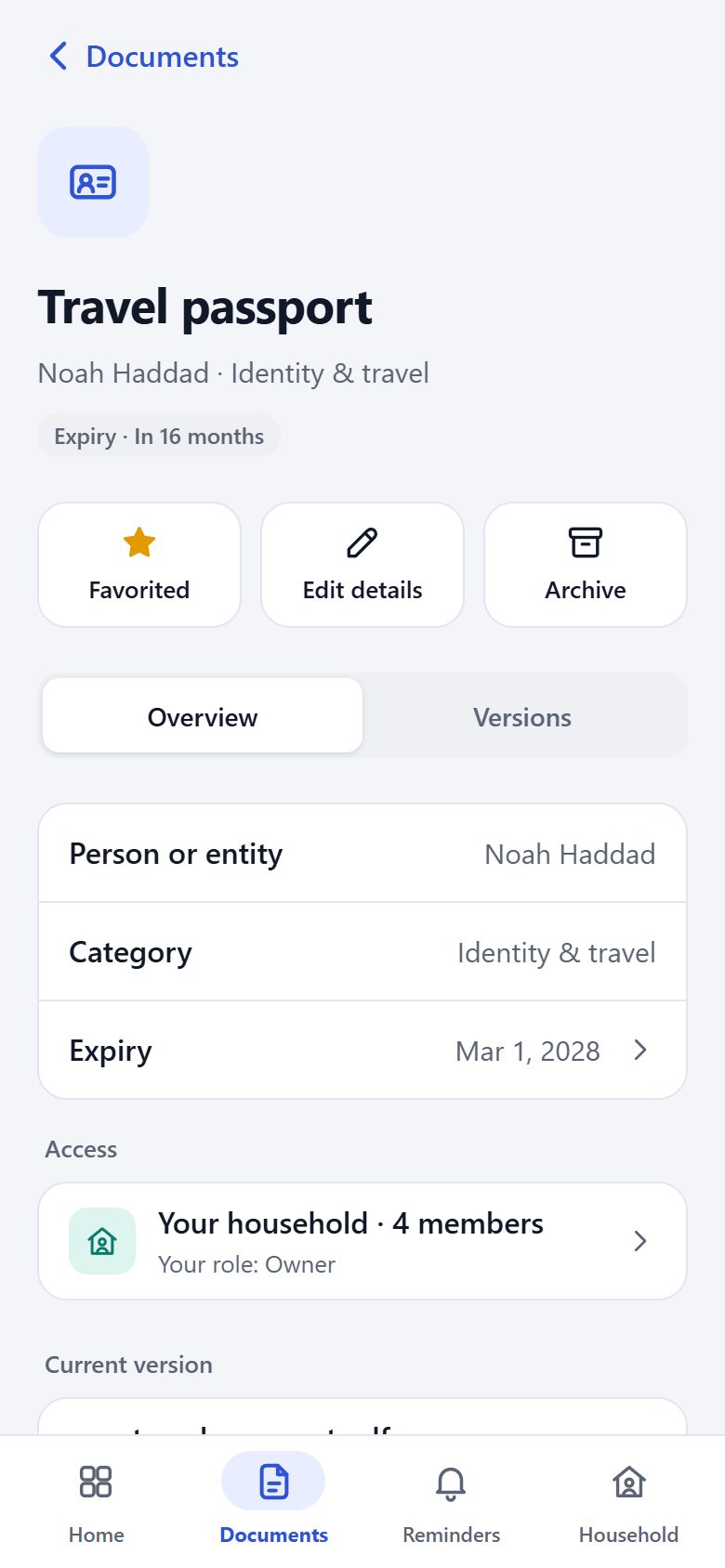
EXAMPLE HOUSEHOLDThe Haddad family
ON EVERY SCREEN YOU USE
Real screens from DocDing, shown with an example household. Choose a device and a screen, or let the tour play.
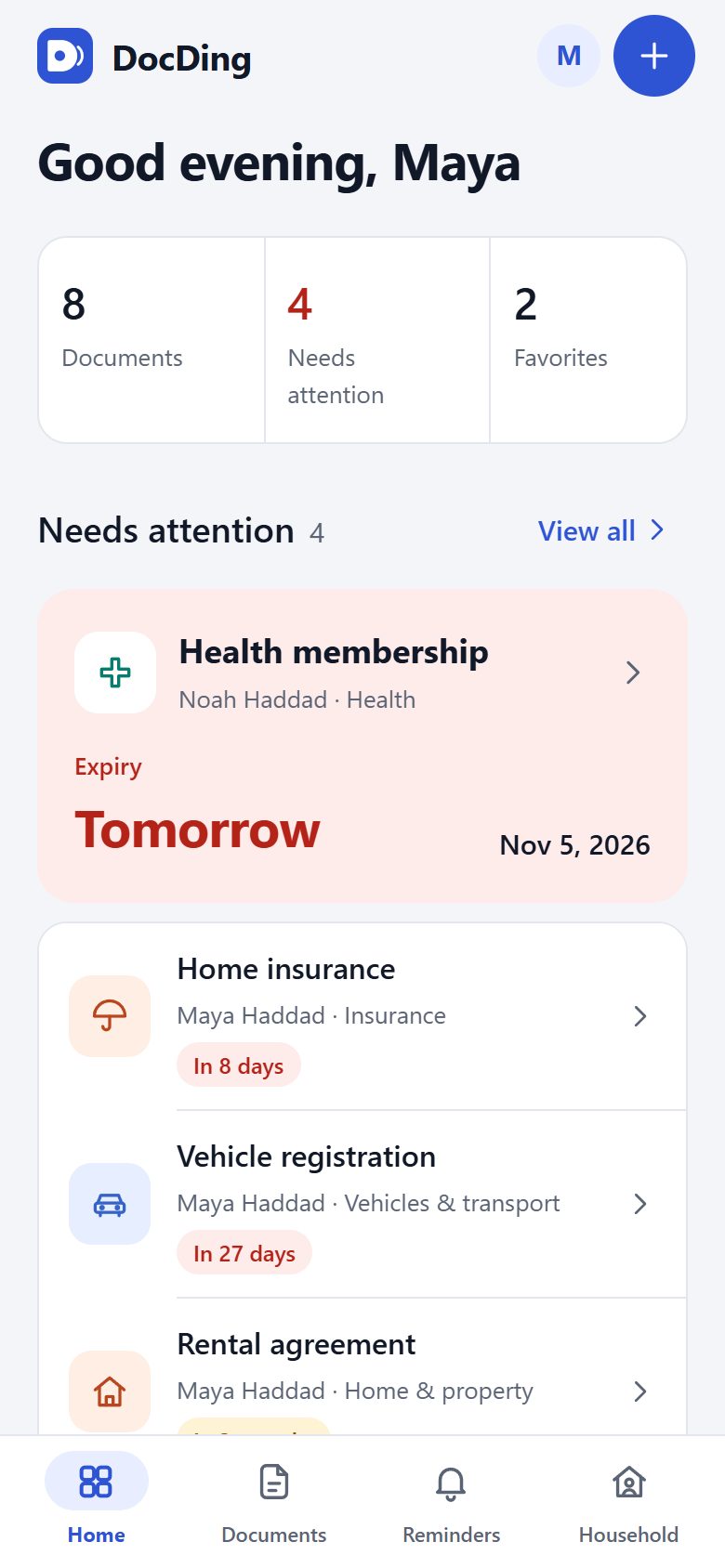
What needs attention first, the dates of the next twelve months, and the documents you reach for most.
Screens from DocDing, shown with an example household.
LIGHT OR DARK · THE SAME VAULT
DocDing follows the appearance of your device, or you can choose light or dark yourself. Drag the divider to compare.

TEN CATEGORIES
Identity & travel, Health, Insurance, Home & property, Vehicles & transport, Work & education and more.
Choose · filter · find
PEOPLE & ENTITIES
Each document belongs to a person, a company or another entity, so a family’s papers never blur together.
Person · company · other
VERSIONS
Replace a renewed passport or a new policy and the previous version is kept with the document.
Replace · keep the previous
FAVORITES & ARCHIVE
Mark what you reach for often. Archive what you no longer need every day, without deleting it.
Favorite · archive
FOUR CALM STEPS
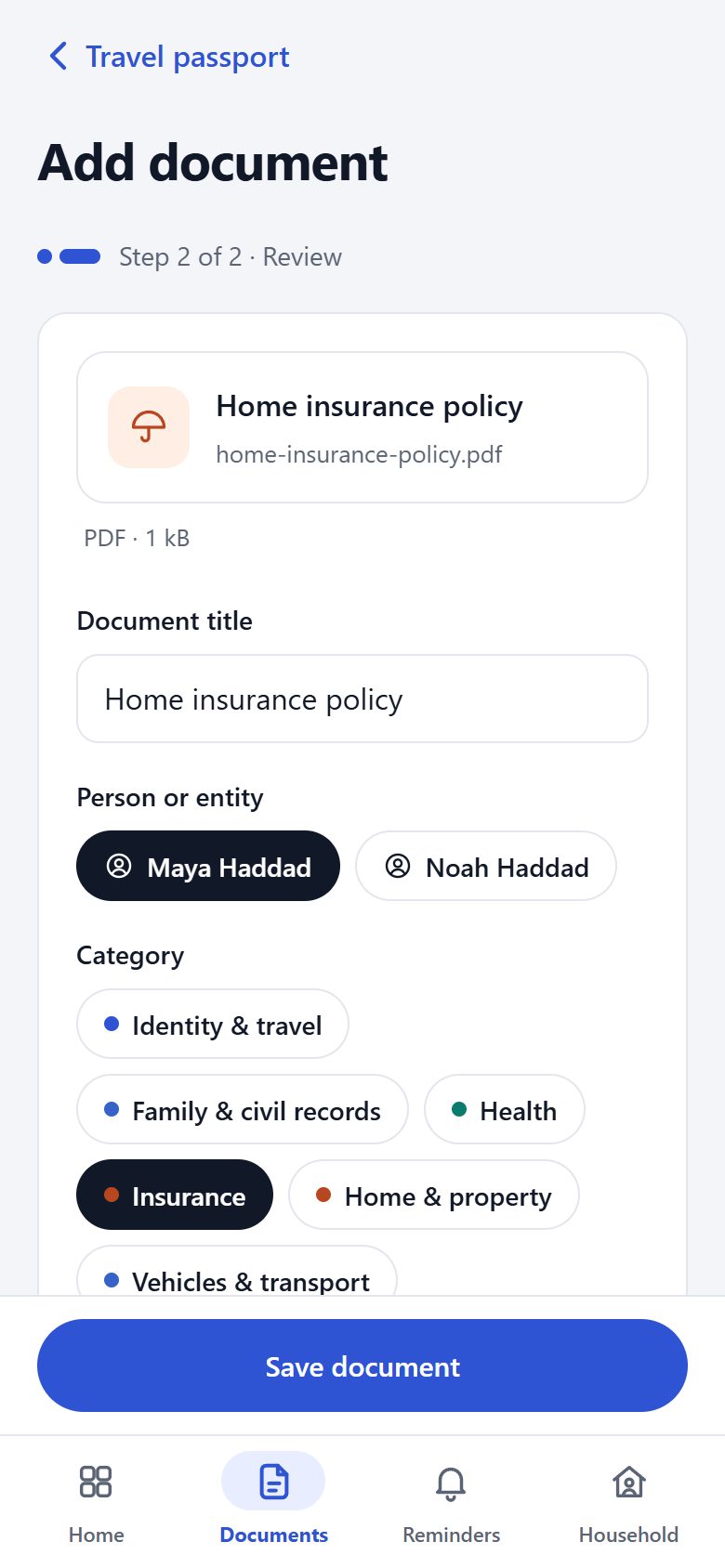
Where does it belong?
Add a single file, several files at once, or scan paper pages into one PDF. Choose the person and the category it belongs to.
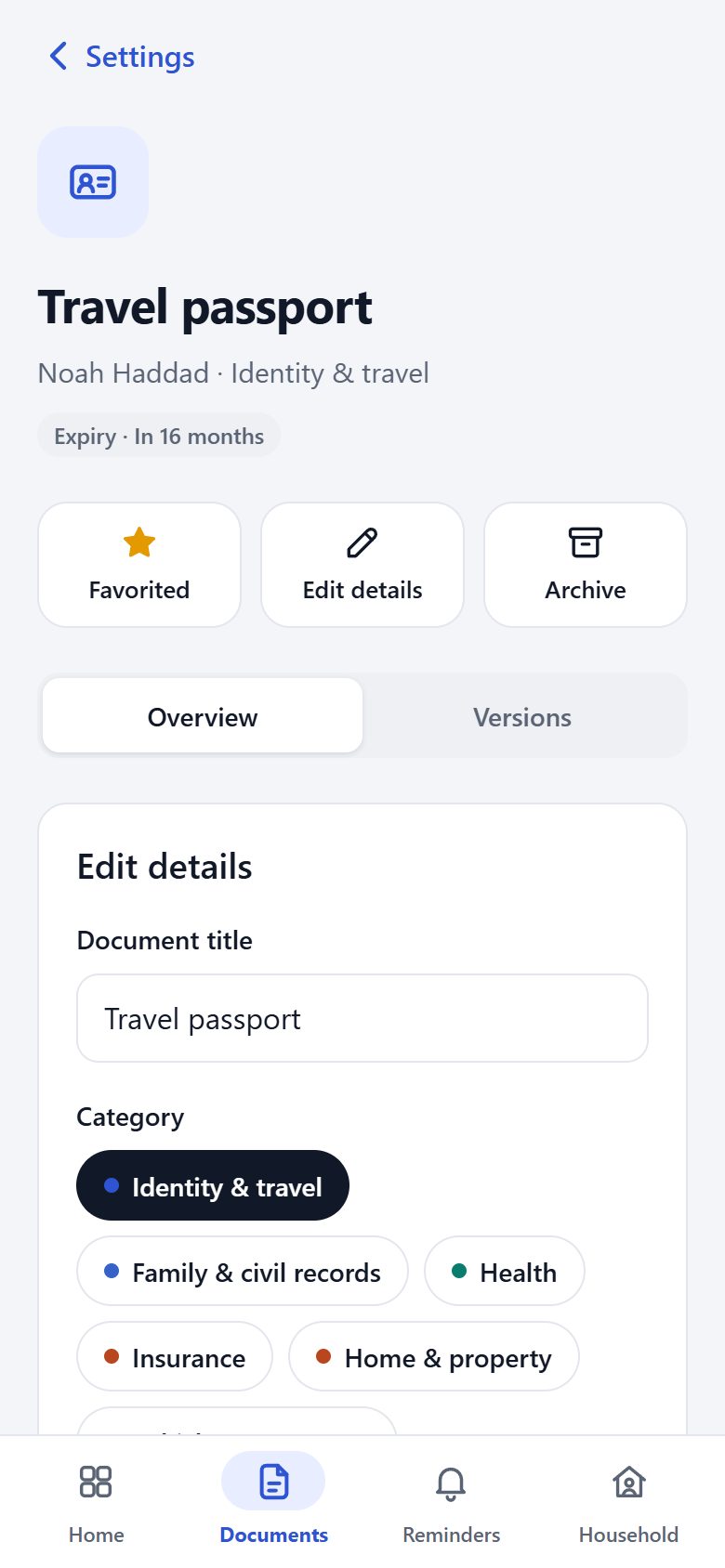
Is this right?
Enter the dates that matter, such as an expiry. If you turn on text recognition (Beta) on your phone, it runs on the phone and finds dates for you to confirm or correct before anything is saved.
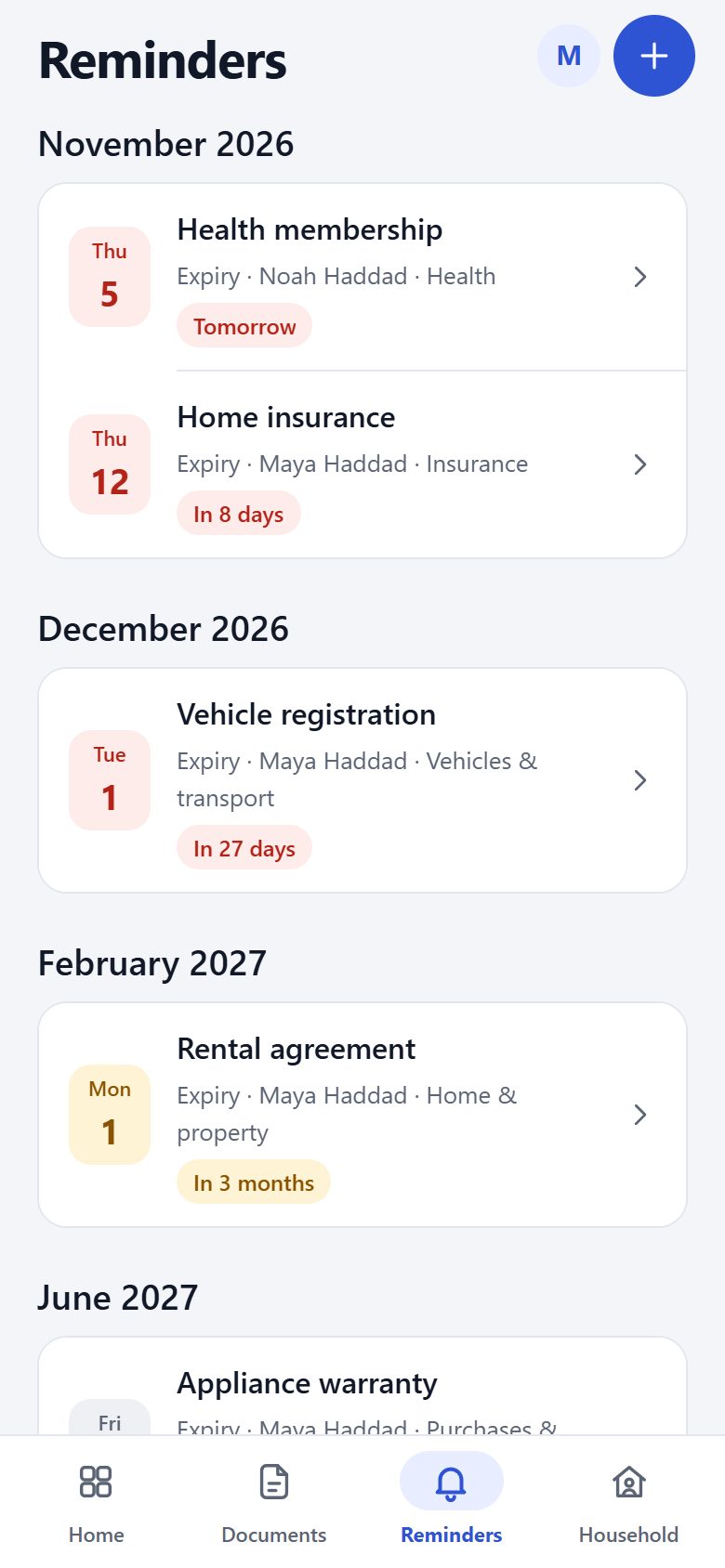
What is coming up?
Expiry, renewal, review and coverage dates gather in one timeline with a countdown, and reminders arrive before the day.
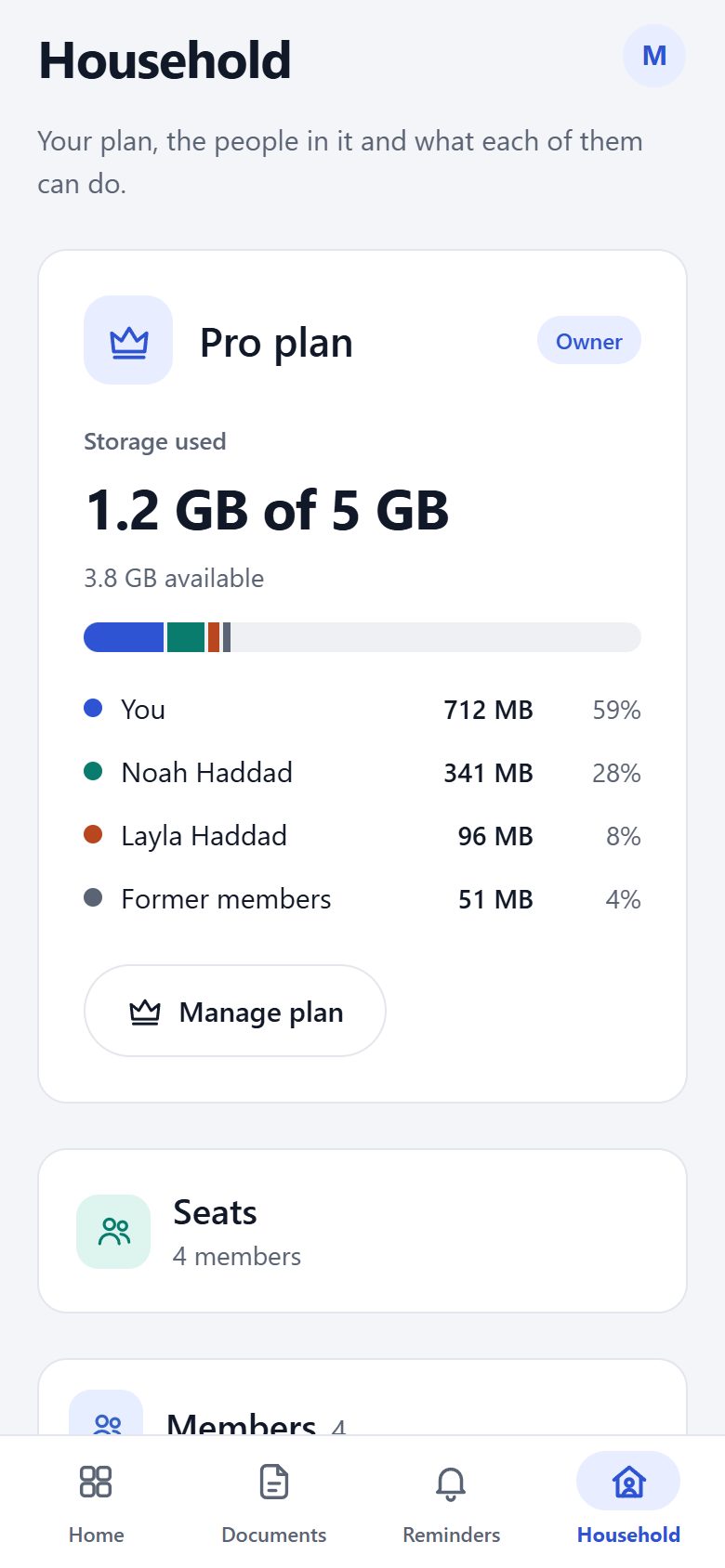
Who is in your household?
Invite the people you live with and give each a role. Admins manage members, editors add and update documents and can delete the ones they added, and viewers can only read.
TRY IT HERE
These controls use an example household and behave the way the app does. Try them.
DATES & REMINDERS
Every important date gets a countdown. Reminders arrive before the day, not after it.
In this example, today is November 4, 2026.
SEARCH
One search looks across titles, people and categories at the same time.
5 matches
PEOPLE & ENTITIES
Choose a person or an entity to see only their documents. Companies and other entities work the same way as people.
HOUSEHOLD
Invite the people you live with and give each a role. The owner holds the plan, and nobody outside your household can open its documents.
Layla Haddad can add and update documents, and delete the ones they added.
PRIVACY ON SCREEN
Mask document numbers and personal details on screen with one switch. The documents themselves do not change.
LANGUAGES
Categories, dates and countdowns follow the language you choose, Arabic and Urdu included.
Wording from the app.
AI CONNECTIONS · MCP · OFF BY DEFAULT
AI connections are off for every account. If you turn them on, a compatible assistant can read only your deadline schedule: category, date type, due date and next reminder. Your documents, their names, people and anything filed under Health stay end-to-end encrypted. It can also propose a reminder, which waits in your Review inbox until you approve it.
How AI connections workTurn on AI assistants in Settings and confirm the consent, then add DocDing to an assistant that supports MCP.
Ask what is overdue or due this month, or ask it to remind you about a renewal. It gets clear answers about your deadlines, never your documents, and every reminder it proposes waits for your approval.
You get a notification when an assistant reads your deadlines, and AI activity lists every session and what it read.
ONE SUBSCRIPTION FOR THE HOUSEHOLD
Every member of a subscription draws from the same storage. Only original files count, including kept versions and items in the trash.
For most households
Everything DocDing does, with room for the everyday papers of a household.
Price shown in your app store
More room
Everything in Essential, plus 4 GB more shared storage for larger households and long archives.
Price shown in your app store
SECURITY BY DESIGN
DocDing is designed so documents are encrypted on your device before they are stored. The keys stay with you.
GUIDES